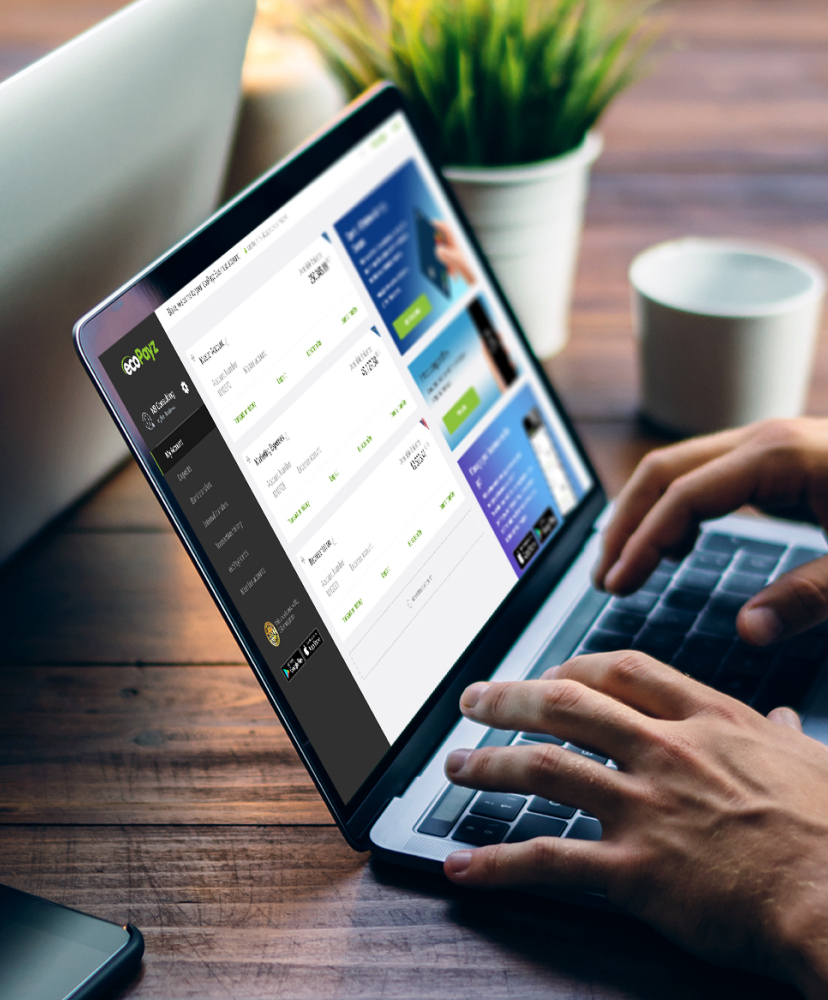
To start using ecoPayz, you need to verify your account. Let’s verify your identity step by step on the ecoPayz website:
First, you need to register to the system. After your registration, you can find information for verification processes in the “Settings” tab of your account and verify and upgrade your account at any time.
How Do I Verify my ecoPayz Account?
You must follow some steps completely to verify your ecoPayz account. In order for the identity verification process to be carried out smoothly, it is extremely important that your identity is legally valid and readable, and it is also important that you upload the requested address proof. Then we will ask you to take a selfie. Now let’s start this process with simple steps:
???? When you are ready, start the verification from within your account ????
???? Select your document type for identity verification
Selecting the ID Document to Scan
Remember, your document must be valid for at least one month from the date of upload. Scratched, stained and torn documents will not be considered valid. The user’s full name, date of birth and other important information must be present and legible. All corners of the document must be visible. It is mandatory that all documents included in the application belong to the same person.
The ID Document Must Include:
???? Full name of the ID holder;
???? Full date of birth of the ID holder;
???? ID number;
???? Validity data (issue date or validity period);
???? Photo of the ID holder;
???? Signature of the ID holder (if any).
Now let’s examine how to take a quality photo.
How to Take a Quality ID Card Photo? (Please take a photo of both sides)
You can continue this process from your mobile phone or via the browser. In the next step, we will ask you to take a photo of your ID document within certain rules.
Add Proof of Address Issued in the Last 3 Months
You can use a utility bill (electricity, water, gas, landline phone bill) or bank statement or address registration document issued by official authorities as proof of address. Please note that the verification process may take 2 business days.
If your transaction is not approved within this period, please contact our customer support team so that we can assist you ????
Upload Your Selfie
After completing the ID information and address verification steps, you can proceed to the final step. During this process, you will be asked to take a selfie. All you need to do is upload a recent selfie to your ecoPayz account. Please make sure that your photo is clear and high-resolution.
After completing the 3 steps above, your account verification will be completed shortly.
 English
  日本語
日本語 Türkçe